PRINT · GLOSS · CONTRAST
Spot UV
FAQs
Choose what
catches the light.
Understand the clear gloss layer, prepare its separate artwork and see how it works with the printed design.
QUESTIONS, ANSWERED
The clear layer.
The important details.
What is Spot UV?
Spot UV is a clear gloss coating applied to selected areas of the printed card. It can highlight a logo, create a pattern or add contrast to a matt surface. The UV artwork defines where the coating is applied.
What files should I supply?
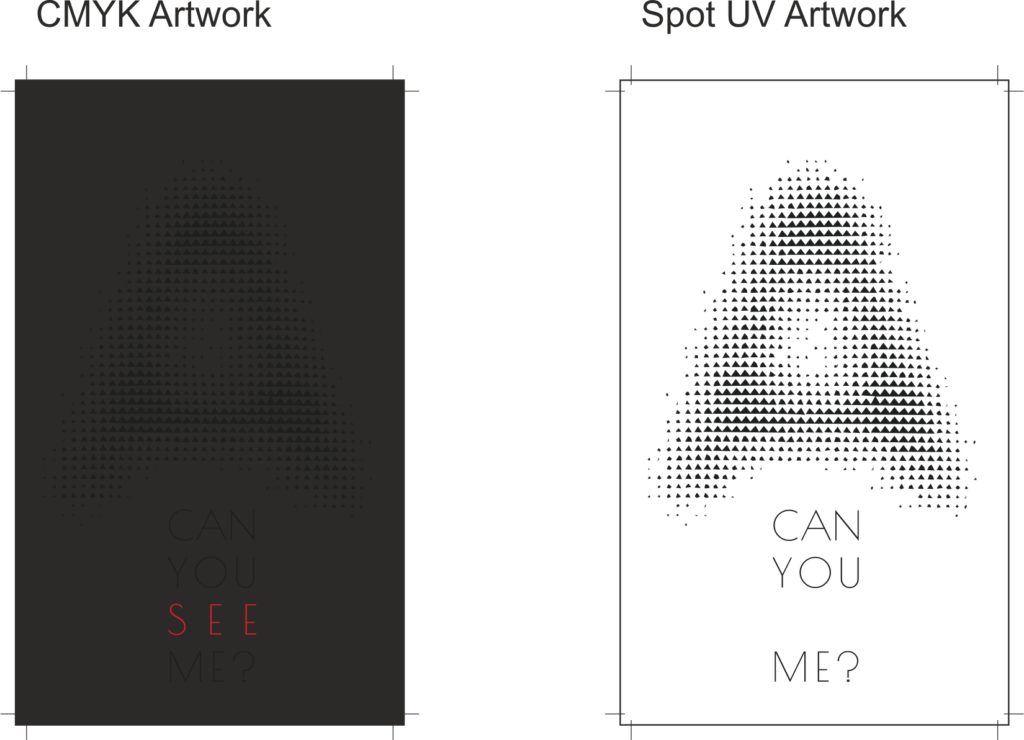
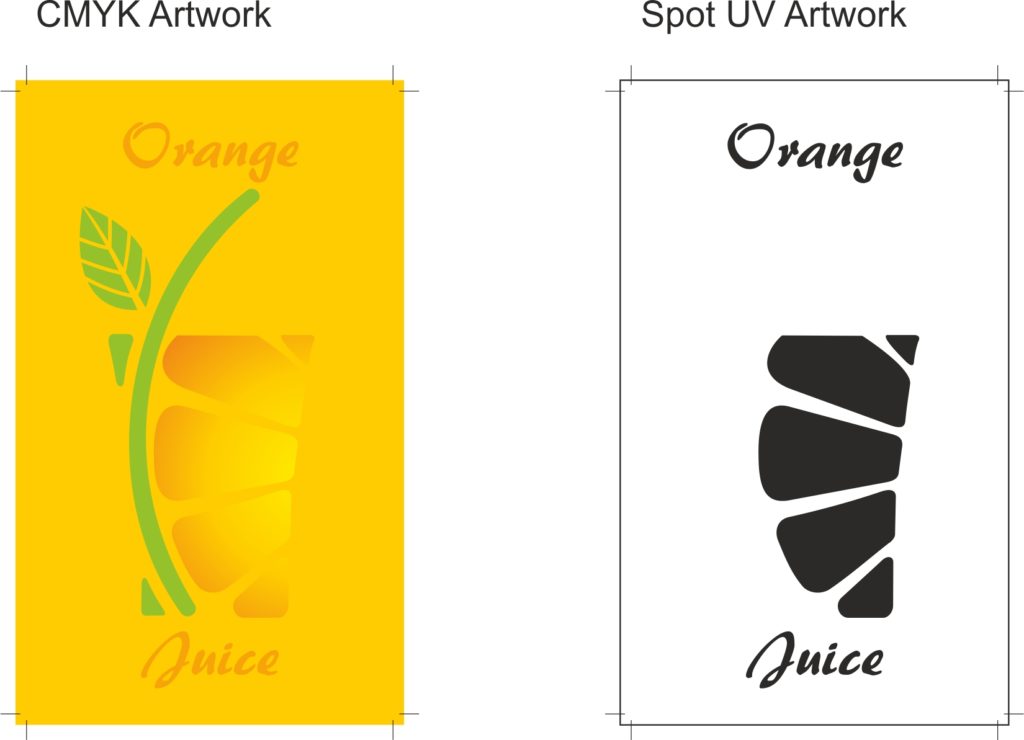
Supply the printed CMYK artwork and a separate Spot UV file or PDF page. The UV separation contains only the elements to receive gloss, in vector format at 100% black. Use the same page size and positions as the print artwork.
How do I check that the two files align?
Place the CMYK artwork and UV separation on separate layers, aligned to the same page. Reduce the opacity of the upper layer to inspect the overlap. Check both the submitted files and your PDF proof. The three steps below show the preparation sequence.
Will you check the UV alignment for me?
Your designer must verify the alignment between the UV separation and the printed artwork before submission and when reviewing the PDF proof. Prepress checks for issues such as bleed, colour space and image resolution do not include checking that design alignment.
How accurately will the gloss align with the print?
Exact registration is not guaranteed. The existing Spot UV specification allows the gloss layer to shift by up to 1 mm in any direction because the print and coating are applied in separate processes. Allow for this when designing small details and close-fitting outlines.
What is blind Spot UV?
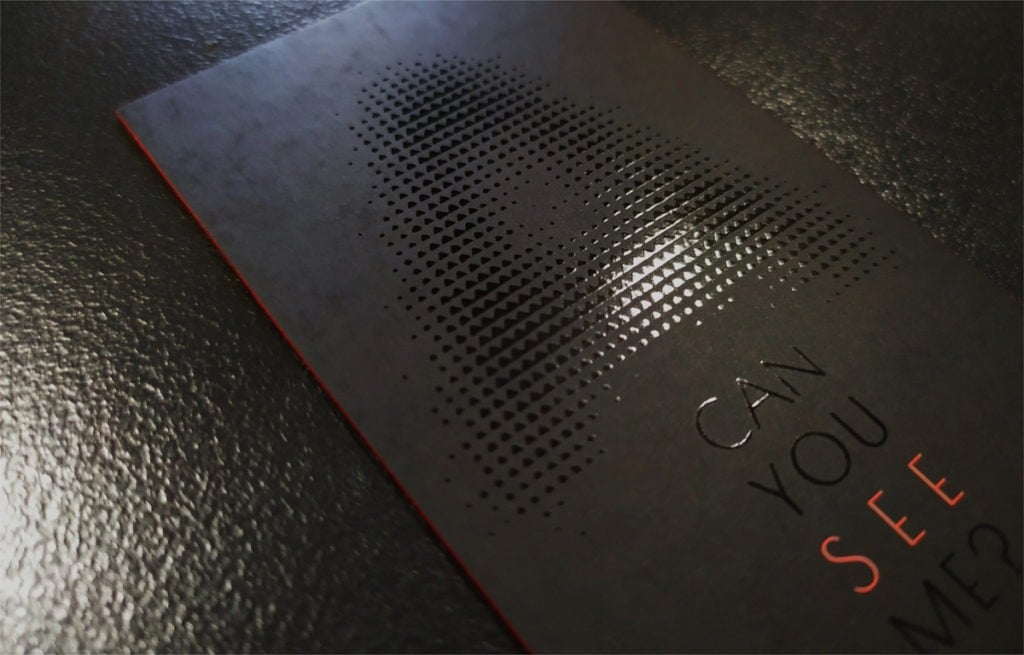
Blind Spot UV is a clear gloss design that is not aligned to a matching printed element beneath it. It can create a pattern or texture, particularly against a dark printed background. Its appearance changes with the light and viewing angle.
Can I use blind Spot UV for text?
Clear gloss text may be difficult to read at some angles. Keep contact details and other essential information in the printed artwork. For decorative blind UV text, the existing guide recommends 14 pt or larger; size alone does not guarantee legibility.
Can the UV cover the whole card?
Full coverage can be specified in the UV artwork, but we do not recommend full coverage on both faces. If you want an all-over gloss finish, discuss the appropriate coating with the workshop before ordering.
Which designs work well with Spot UV?
Logos, repeated patterns and selected details in an image can all use clear gloss. Choose the UV areas deliberately, allowing for registration movement. A contrast between matt print and gloss often makes the effect easier to see.
Need advice on your design? Ask the workshop →
PREPARE THE SEPARATION
One printed design.
One gloss layer.
The separation is a map of the areas that receive UV. Supply it in addition to the printed artwork.
- 01
Choose the gloss areas.
Start with your CMYK design. Identify the logo, pattern or details that should receive the clear coating.
- 02
Make a separate file.
Keep only those elements. Use vector shapes at 100% black to mark the areas that receive UV.
- 03
Overlay and inspect.
Align the two files on separate layers. Lower the opacity of the top layer to check the positions before submission.
ARTWORK EXAMPLE 01
From separation
to surface.
ARTWORK EXAMPLE 02
From separation
to surface.
WORKSHOP SAMPLES
GRAPHICA EXPO 2019
SURFACE AND PROFILE
Gloss on the face.
Colour at the edge.
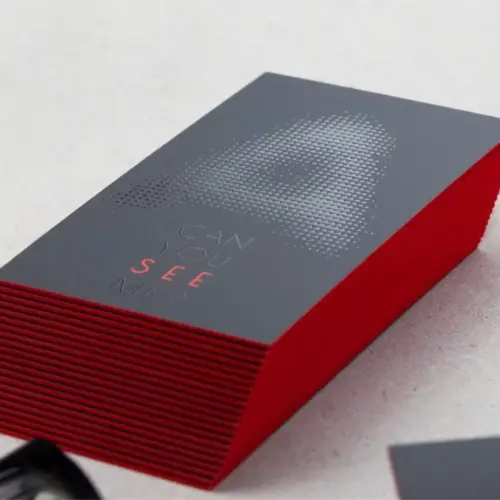
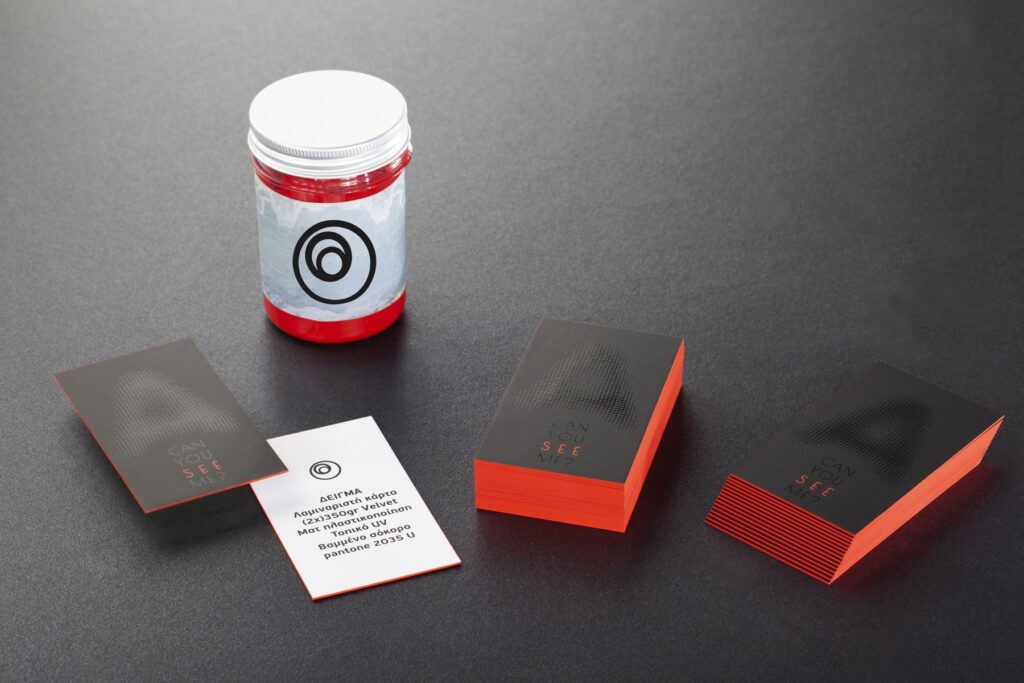
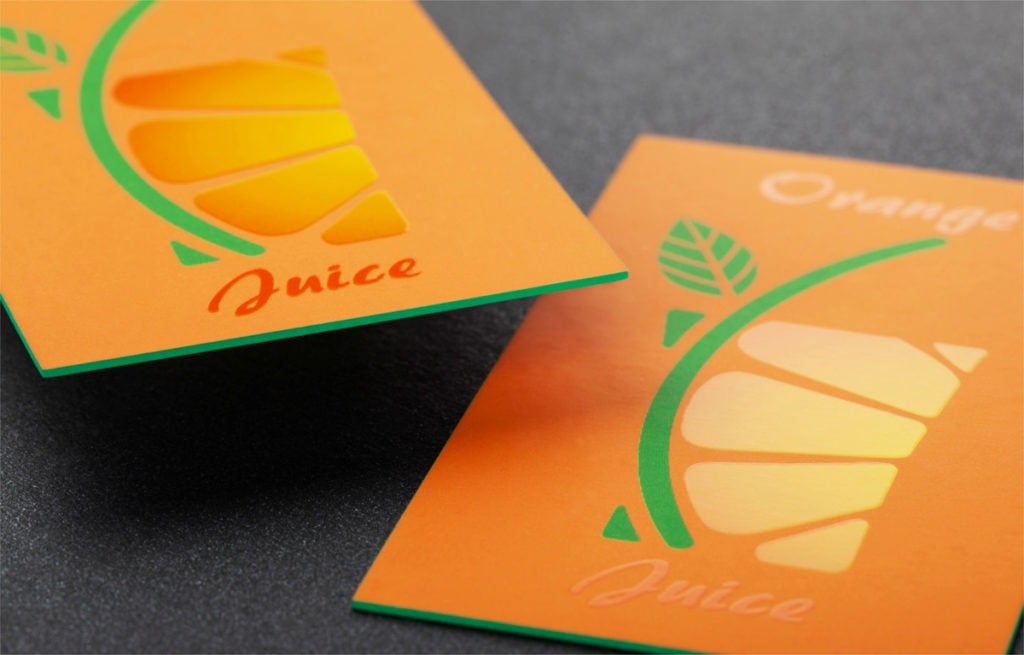
These workshop samples combine a matt-laminated printed surface with selected gloss areas and painted edges.
- Paper
- Two 350 gsm Velvet sheets
- Surface
- Offset print, matt lamination and Spot UV
- Edge
- Painted edges
FROM OUR WORKSHOP
Business cards printed in our Athens workshop since 2003.
“The cards arrived today and they look amazing!”
TALK TO THE WORKSHOP
START WITH YOUR ARTWORK
ATHENS, GREECE
27B Stavraki Street, Agios Ioannis Rentis 182 33, Athens, Greece
ORDER ONLINE
Choose your edge.
Keep the gloss.
Explore Duplex cards with Spot UV, with or without painted edges. Each product shows its current prices and available choices.