
GUIDE
Rounded Corners
Rounded corners change the outline of a business card after printing and construction. The effect can feel subtle or strongly graphic, depending on radius and shape.

POST-PRESS SHAPE
Corners are formed after the card has been printed and cut.
RADIUS MATTERS
A small and large curve produce very different silhouettes.
CONSTRUCTION LED
Paper, thickness and bonded layers are evaluated before rounding.
HOW IT WORKS
How rounded corners are produced.
After printing, bonding and the relevant surface processes, the cards are cut to size. The selected corners are then formed with suitable rounding or cutting tooling so the radius repeats consistently through the stack.
The exact method depends on quantity, board thickness, shape and tolerance. Rounded corners are not limited to ordinary paper: duplex, triplex and special stocks can be suitable when the completed construction is planned for the operation.
The radius is part of the design specification. It should be agreed before artwork approval rather than introduced as an unplanned finishing decision at the end.

WHAT IT CHANGES
A small cut alters the whole silhouette.
The curve affects spacing, visual tone and the way the card relates to a logo or border.
01
Subtle refinement
A restrained radius removes the sharpest point while keeping the card close to a conventional rectangle.
02
Graphic geometry
A larger curve becomes an obvious part of the identity and can echo circles, arches or letterforms in the design.
03
Selective shaping
When production allows, a design may use rounded and square corners deliberately rather than treating the finish as decoration.
WHEN TO USE IT
Best when the radius belongs to the layout.
Rounded corners suit identities whose forms already use curves, cards intended to feel less formal, and constructions where the edge itself is a visible feature.
They should not be added simply to make a card seem different. A curve that conflicts with a border, grid or angular mark can weaken an otherwise disciplined composition.
CONSIDER BEFORE CHOOSING
- Available radii and selective-corner options must be confirmed for the job.
- Text, borders and logos need enough distance from the curved cut.
- Layered cards require clean bonding and alignment before the corners are formed.
- Painted edges and other perimeter finishes need an agreed production sequence.
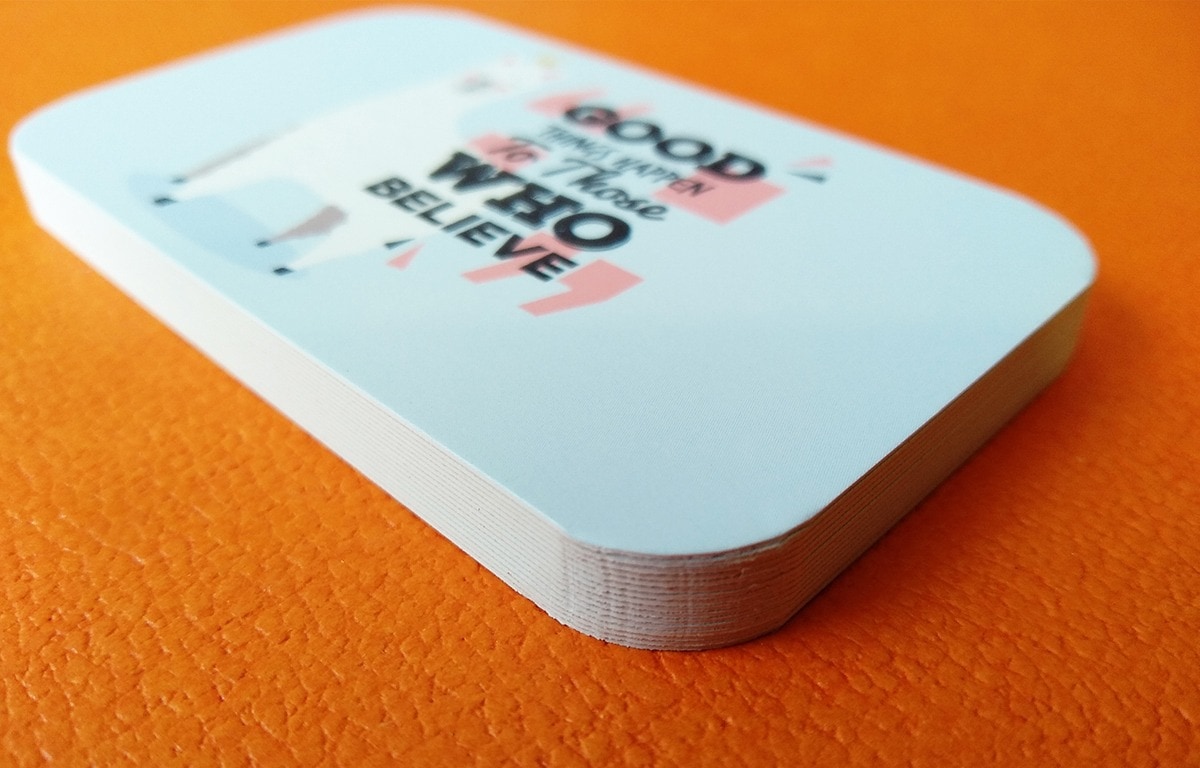
ARTWORK PREPARATION
Show the radius on the final dieline.
Prepare the document at the finished card size with the required bleed. Show the intended corner radius on a non-printing guide or approved dieline, and keep live content clear of the curved cut.
Do not flatten the radius guide into the printed artwork. If a border follows the edge, allow enough tolerance for cutting movement so small variation does not become visually distracting.
FINISHED WORK
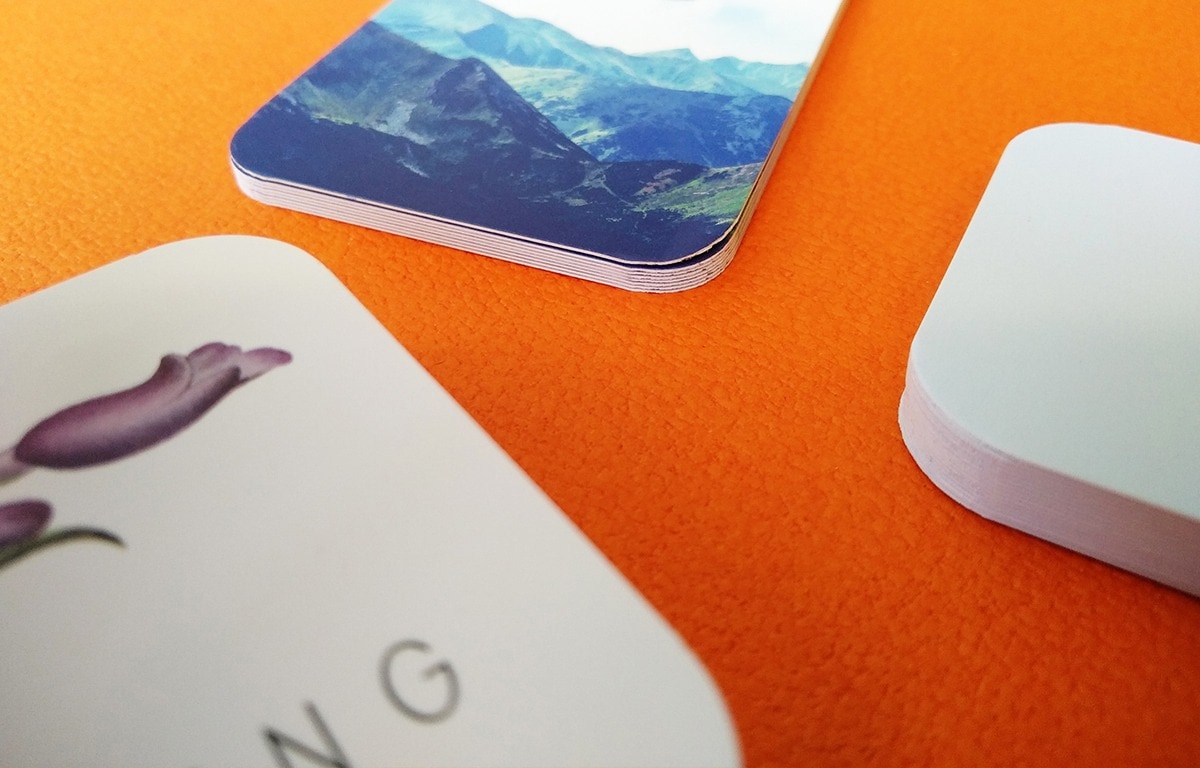
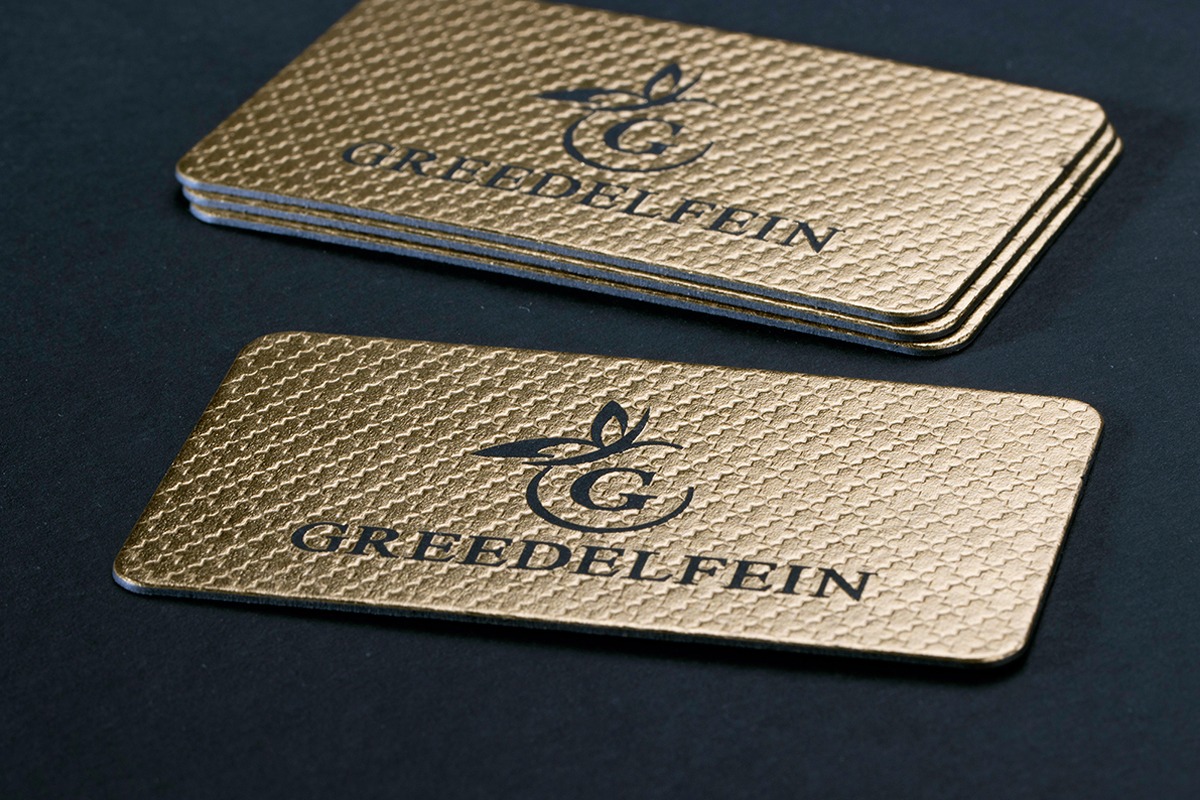
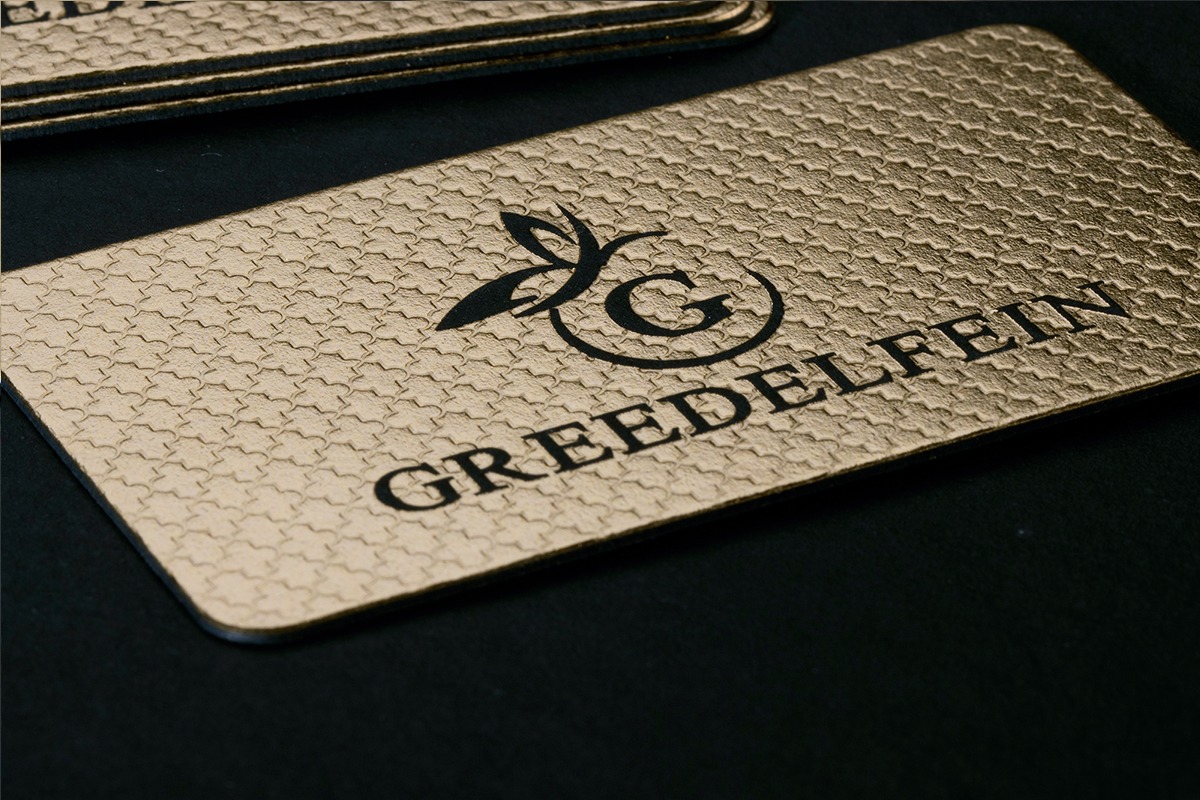
One radius does not suit every identity.
Scale, colour and construction decide whether the curve reads as quiet, playful or architectural.
CHOOSE YOUR ROUTE
Move from understanding to choosing.
Use the collection or selector for established options. Expert Recommendation is for artwork that needs the paper, process or construction narrowed first.
SELECTOR
Explore Business Card Options
Choose the paper and construction first, then review whether rounded corners support the complete specification.
EXPERT RECOMMENDATION
Check the radius against the construction
Send the artwork, desired radius and paper build. We will assess spacing, cutting and edge-finishing sequence.
THE LUXURY SAMPLE PACK
Compare the curve at actual size.
Use the Sample Pack to judge how different corner treatments feel alongside thickness and edge detail.